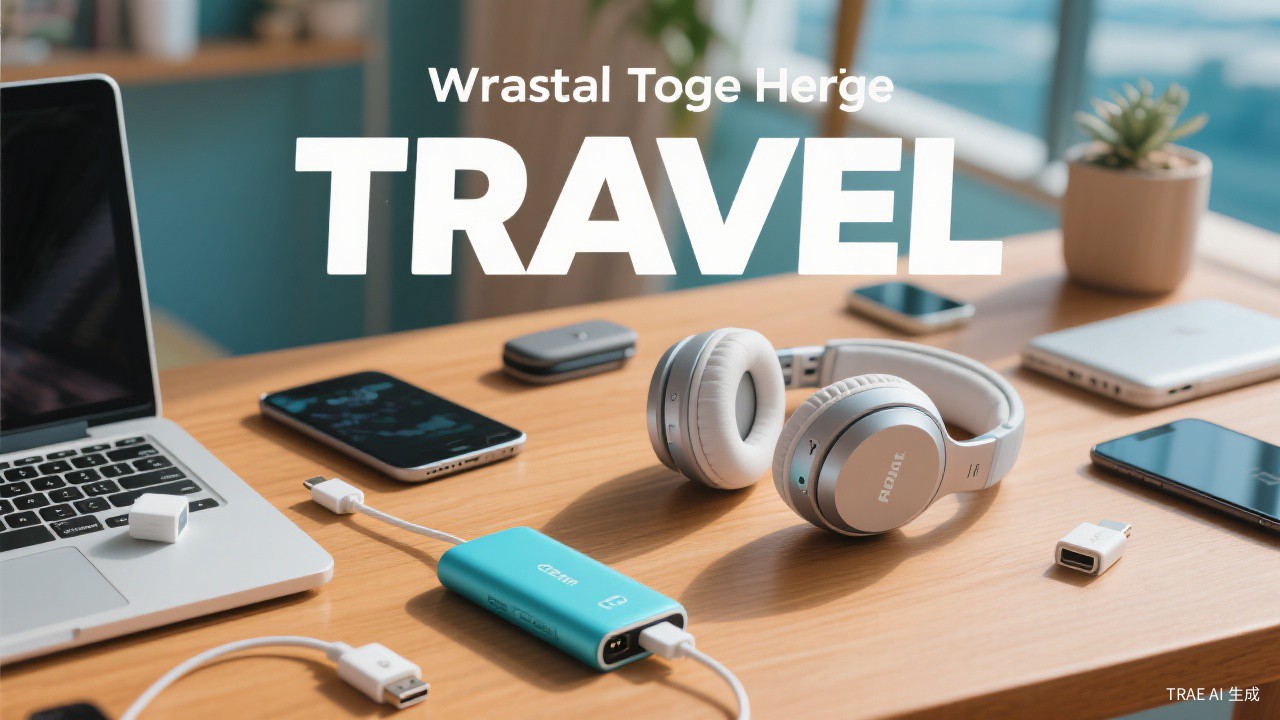
Technology has transformed travel. Your smartphone is now your map, guidebook, camera, translator, and entertainment system. Staying connected while traveling is no longer optional for most people—it is essential for navigation, communication, and safety. But managing technology abroad involves challenges: different power systems, expensive data roaming, security risks, and the risk of device failure.
The key is preparation. Understanding your options before you travel prevents expensive mistakes and frustrating situations. With the right setup, technology enhances travel rather than complicating it.
This guide covers how to manage technology while traveling, from phones and data to security and power.
Managing Technology on the Road
Connectivity affects your experience. Without data, you cannot figure out, translate, or access information. With the wrong plan, you return home to enormous bills. Understanding your options prevents both problems.
Security risks increase while traveling. Public Wi-Fi networks are often insecure. Lost or stolen devices expose your data. Taking precautions protects your information and identity.
Device failure is more disruptive abroad. A broken phone at home is inconvenient; a broken phone while traveling is a crisis. Preparation and backups reduce the impact.
Phone and Data Options
International roaming from your home carrier is the easiest option but often expensive. Check rates before you travel. Some carriers offer reasonable international day passes. Others charge per-megabyte rates that add up quickly.
Local SIM cards provide the best value in most countries. Your phone must be unlocked to use them. Buy a SIM at the airport or in town. Data is cheap in most countries—often $10-20 for several gigabytes.
International SIM cards work across multiple countries. They are convenient for multi-country trips but usually more expensive than local SIMs. Consider them if you are visiting several countries briefly.
Wi-Fi and Internet Access
Public Wi-Fi is available in most destinations but varies in quality and security. Hotels, cafes, and restaurants often offer free Wi-Fi. Speed and reliability vary. Do not count on Wi-Fi for essential tasks.
A VPN (Virtual Private Network) protects your data on public networks. It encrypts your connection, preventing others from intercepting your data. Use a reputable VPN service when connecting to public Wi-Fi.
Offline capabilities matter. Download maps, translation files, and entertainment before you leave reliable internet. Google Maps, Google Translate, and streaming services all offer offline options.
Power and Charging
Power adapters are essential. Different regions use different plug shapes and voltages. A universal adapter covers most situations. Check if your devices handle different voltages—most modern electronics do, but some appliances do not.
Portable chargers keep devices running during long days. A 10,000 mAh charger provides 2-3 phone charges. Carry it on flights—power banks cannot be checked. Anker makes reliable options at reasonable prices.
Charging in transit is possible on many flights and trains. Bring appropriate cables. Some seats have USB ports; others require AC adapters. Research before you travel.
Device Security
Enable device tracking. Find My iPhone and Find My Device for Android help locate lost or stolen devices. Enable this before you travel. Know how to use it.
Use strong passwords and biometric locks. Your devices contain sensitive information. Protect them with strong passcodes and fingerprint or face recognition. Enable remote wipe capability.
Back up before you travel. If your device is lost or stolen, you want your photos and data safe. Cloud backup ensures you lose only the device, not the contents.
Managing Multiple Devices
Consider what you actually need. A smartphone handles most tasks. A tablet is useful for long flights and entertainment. A laptop is necessary only if you are working. Every additional device is weight, risk, and charging burden.
Sync across devices before departure. Ensure photos, documents, and important information are accessible on multiple devices. If one fails, you have backup access.
Use cloud storage for important documents. Copies of passport, reservations, and insurance should be accessible from any device. Do not rely on a single device for critical information.
Managing Data Usage Abroad
Turn off automatic updates and background data before traveling. Apps updating over cellular data can cost hundreds of dollars. Download updates over Wi-Fi before you leave or wait until you return.
Use Wi-Fi for data-heavy activities. Download maps, entertainment, and large files over Wi-Fi. Save cellular data for essential tasks. This discipline prevents bill shock.
Consider a local SIM for extended stays. If you are in one country for a week or more, a local SIM usually costs less than international roaming. The savings increase with longer stays.
Protecting Devices While Traveling
Use strong passwords and enable device encryption. If your phone or laptop is stolen, you want your data protected. Enable remote wipe capability. These precautions take minutes but protect your information.
Back up before you travel. If your device is lost or stolen, you want your photos and documents safe. Cloud backup ensures you lose only the device, not its contents.
Consider device insurance. Travel insurance may cover electronics, but check limits. Separate device insurance provides more complete coverage for expensive equipment.
Tech for Travelers
Prepare before you travel. Set up phones, download apps, and test equipment at home. Problems are easier to fix with familiar resources available.
Have backup plans. Know what you will do if your phone is lost or stolen. Have important numbers written down. Know how to contact your bank and embassy.
Disconnect occasionally. Technology enables travel but can also distract from it. Put down your phone and be present. The best moments do not need documentation.
Traveler's Tip
Bring one universal adapter, not multiple country-specific ones. A good universal adapter handles outlets in 150+ countries and takes up less space than two or three dedicated adapters.